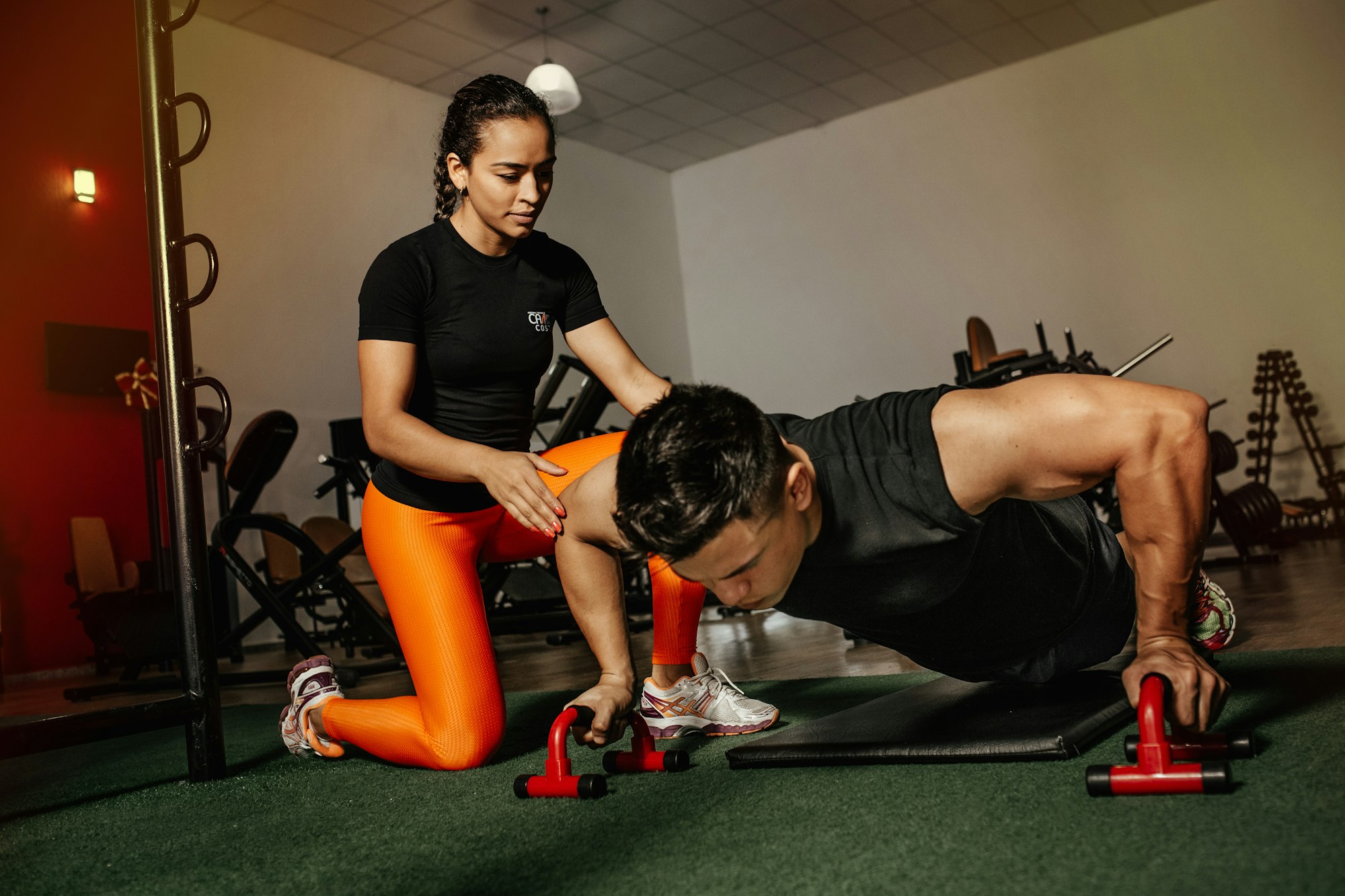
Coaching
Run your roster. Assign programs. See who’s slipping.
Build workouts and meal plans once, assign them to every client you coach, and keep check-ins in one place.
Start Coaching

Workouts and meal plans in one place. Assign once, follow daily, log against real nutrition data.
Free to create an account. No card required.
Coaching
Build workouts and meal plans once, assign them to every client you coach, and keep check-ins in one place.
Start CoachingTraining with you
Day-by-day workouts, macro-tracked meals, and a food log that totals against your targets.
Start FreeTrainers design day-by-day workouts from a library of 283 stock exercises, each with intensity, target muscle, photos, and step-by-step instructions. Sets, reps, and rest are dialed in before anyone hits the floor.
Trainers build day-by-day meal plans down to the food item: macros, micronutrients, substitutions, and prep notes. Assign the plan, and a grocery list generates from every ingredient.
Search USDA FoodData Central, scan a barcode, or snap a photo of the plate. Calories, protein, carbs, and fat total themselves against daily targets, meal by meal, with or without a formal meal plan.
Set daily calorie and macro targets, then watch the rings fill as you log. Food, meals, and goals stay in the same place so progress is obvious without a spreadsheet.
Run the workout live on the floor: each set prefills from last time, so you know exactly what to beat. Records and charts build themselves, and measurements, progress photos, and check-ins sit in one place your coach can see.
AI Studio
Draft a workout or meal plan, edit every day and item, add images when you want them, then commit and assign to clients in one flow. You stay in control of the final program.
For trainers
See every client’s assigned workout and meal plan in one roster. Open a client detail for overview, workouts, meals, food log, notes, and chat. Build once, assign many, and log check-ins when someone slips.
Set your weekly hours and let clients book in-person or virtual sessions around them. Charge a monthly coaching fee, price sessions individually, or keep it free. Payments run through Stripe and pay out to your own account.
Accountability lives next to the workouts and meals, not in a separate chat thread you forget to open.
Share progress on the social feed. Trade notes in discussion forums with likes, comments, and voting.
Logged today’s workout. Push Day complete, 4 of 4.
Trainer and client chat with notifications, so check-ins and form questions don’t get lost in texts.
iPhone and Android
Today’s workout, the meal plan, and your food log, all in your pocket. Scan a barcode in the kitchen, log sets between rounds, and get a notification the moment your coach replies.
Browse coach profiles, request a program or meal plan, and book straight from their page.
In-app, email, and push, so check-ins, messages, and sessions never slip.
A curated feed of health, training, and nutrition reading from trusted sources.
Find people, workouts, and plans from one search bar at the top of every page.
Role-based onboarding, product tours, and a built-in help guide.
Optional email codes on login, plus biometrics on your phone.
Download everything you’ve logged, or delete your account at any time.
Add the web app to your home screen on desktop or mobile.
No. You can log food against the USDA database and browse the exercise library on your own. If you work with a trainer on the platform, they can assign you a workout program and meal plan directly.
Yes. Build a workout or meal plan once, assign it to as many clients as you coach, and manage the roster from one dashboard. Check-in status helps you see who needs attention.
AI Studio helps trainers draft a workout or meal plan quickly, then edit every day and item before committing. You can add images, then assign the finished program to clients. It speeds drafting; you still approve what goes live.
Each program is built day-by-day from a library of 283 exercises, with intensity, target muscle group, and cardio detail. Assigned exercises include sets, reps, rest, and step-by-step instructions.
Yes. Trainers and clients can message each other in-app with notifications. Community feed and forums are there too if you want broader accountability.
Yes. The food log searches USDA FoodData Central directly, so you can log meals and see calories, protein, carbs, and fat as you go, plan or no plan.
Creating an account is free. No card is required to sign up. Start coaching or training as soon as you’re in.
Yes. Connect a Stripe account for payouts, then set a monthly coaching price, a per-session price, or both, with overrides for individual clients. Clients pay by card, and you can keep coaching free if you prefer.
Yes. The iPhone and Android apps share your account with the web app: workouts, meal plans, the food log, messaging, and push notifications. Store links are in the app section above, and you can always install the web app on your home screen.
Coaches run the roster. Members follow the plan. Same platform either way, including on your phone.
Free to create an account. No card required.